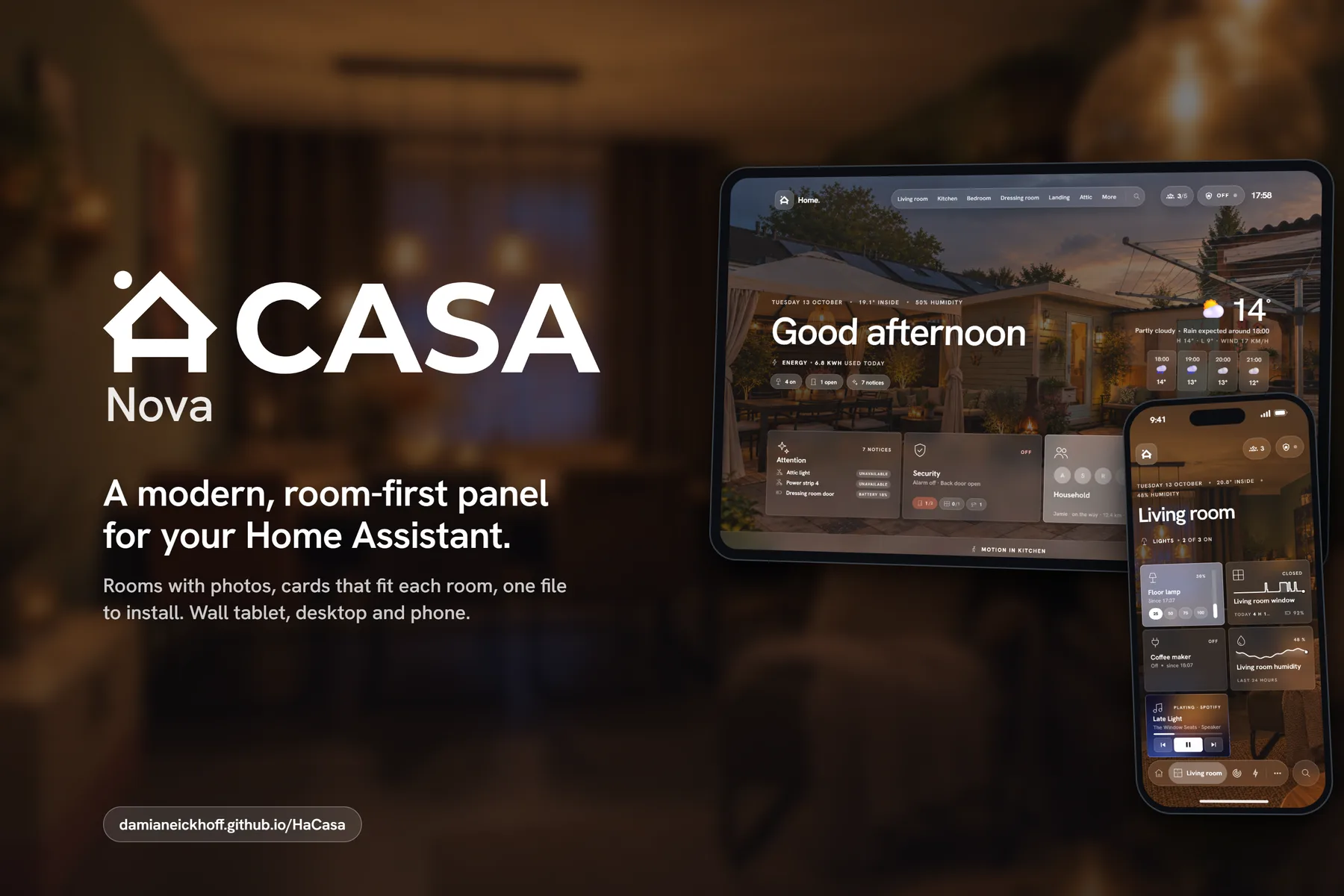
HaCasa Nova
The HaCasa reboot. A room-first Home Assistant panel, built on the Homio design by iamtherufus.
Work in progress
HaCasa Nova is a work in progress and needs testing. This first release has only been run on a handful of homes, so expect rough edges: things may break or change between versions. Try it next to your current dashboard rather than replacing it, and please report what you run into. Known issues are tracked in #158.
What it is
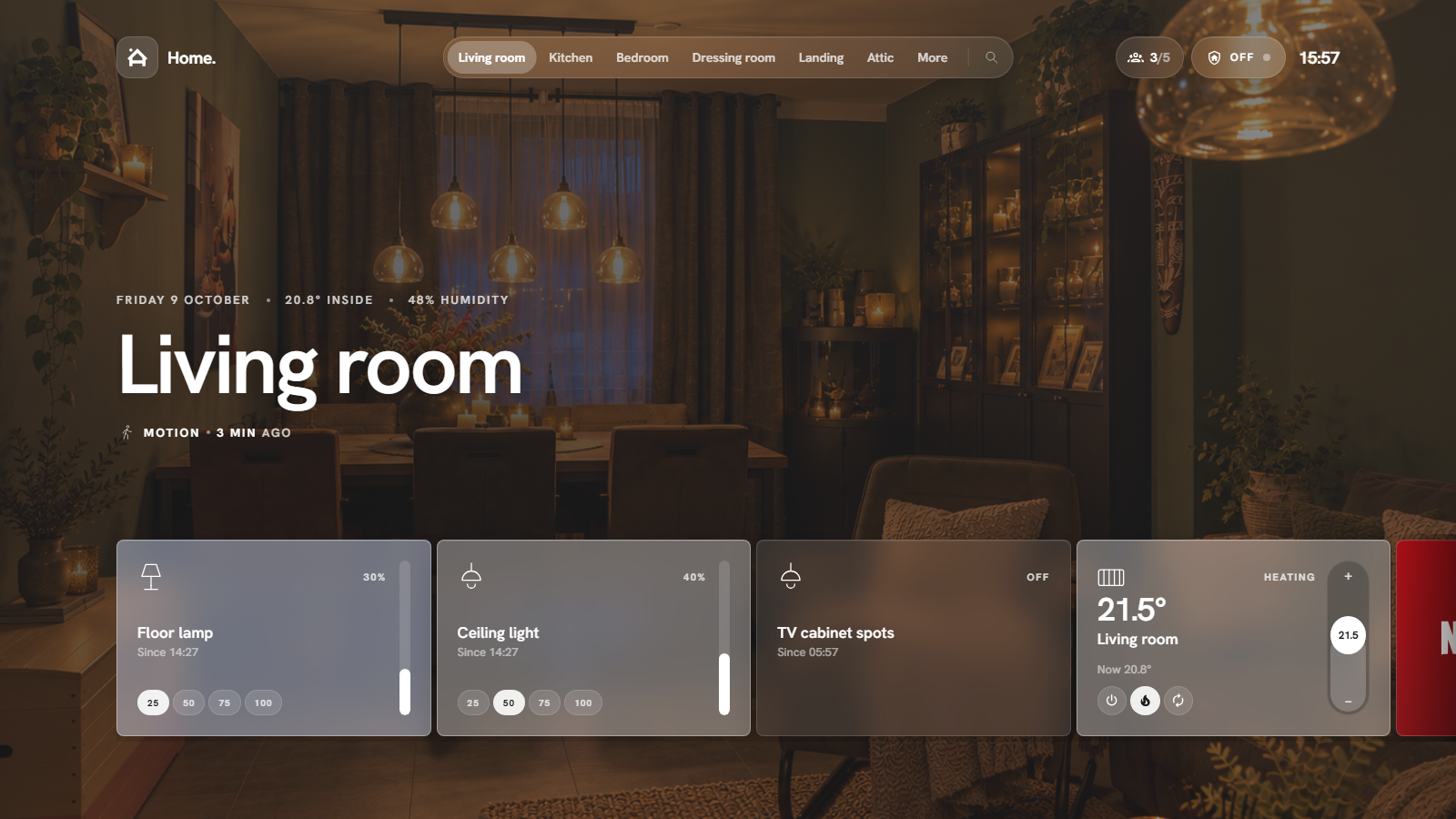
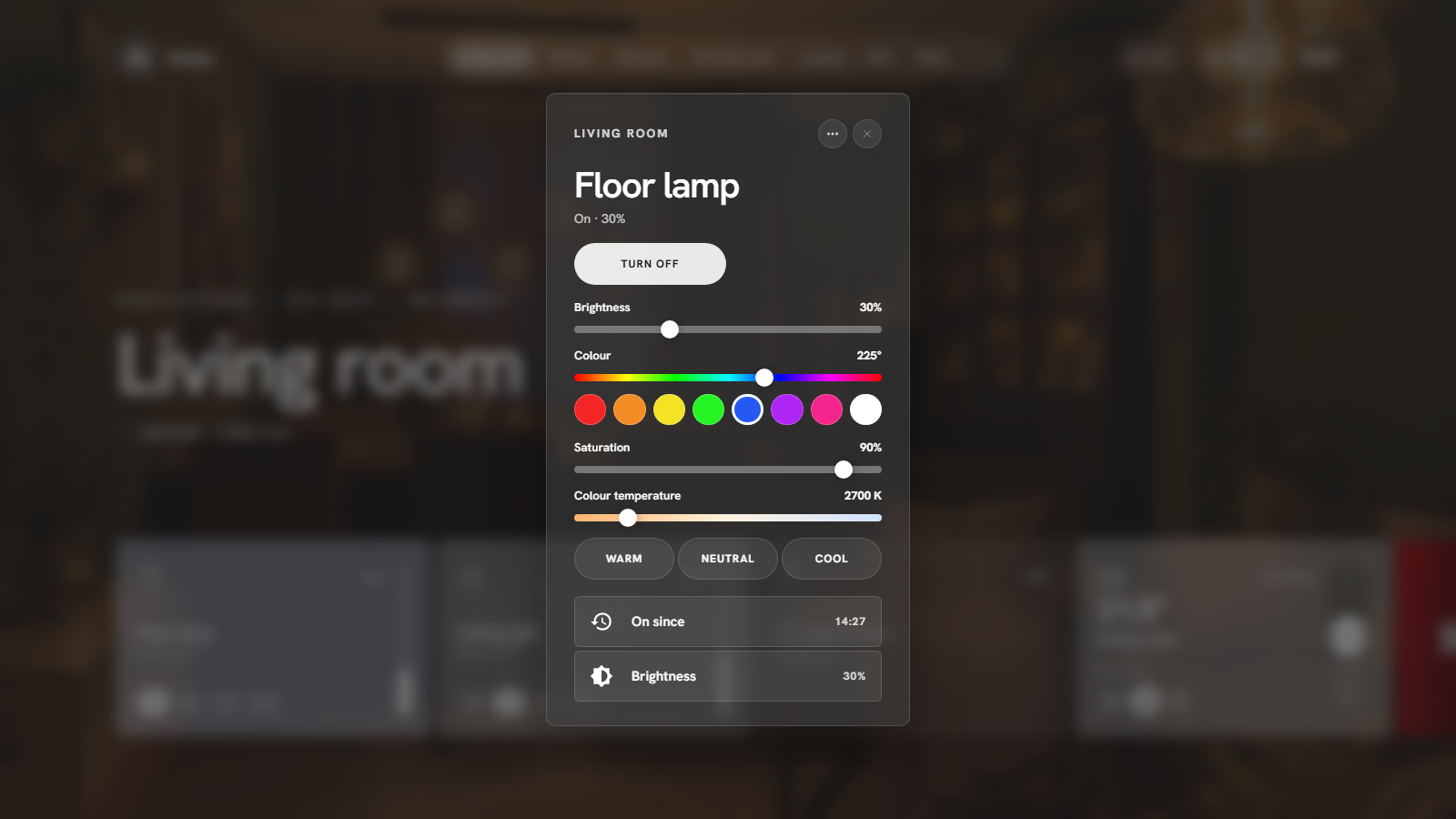
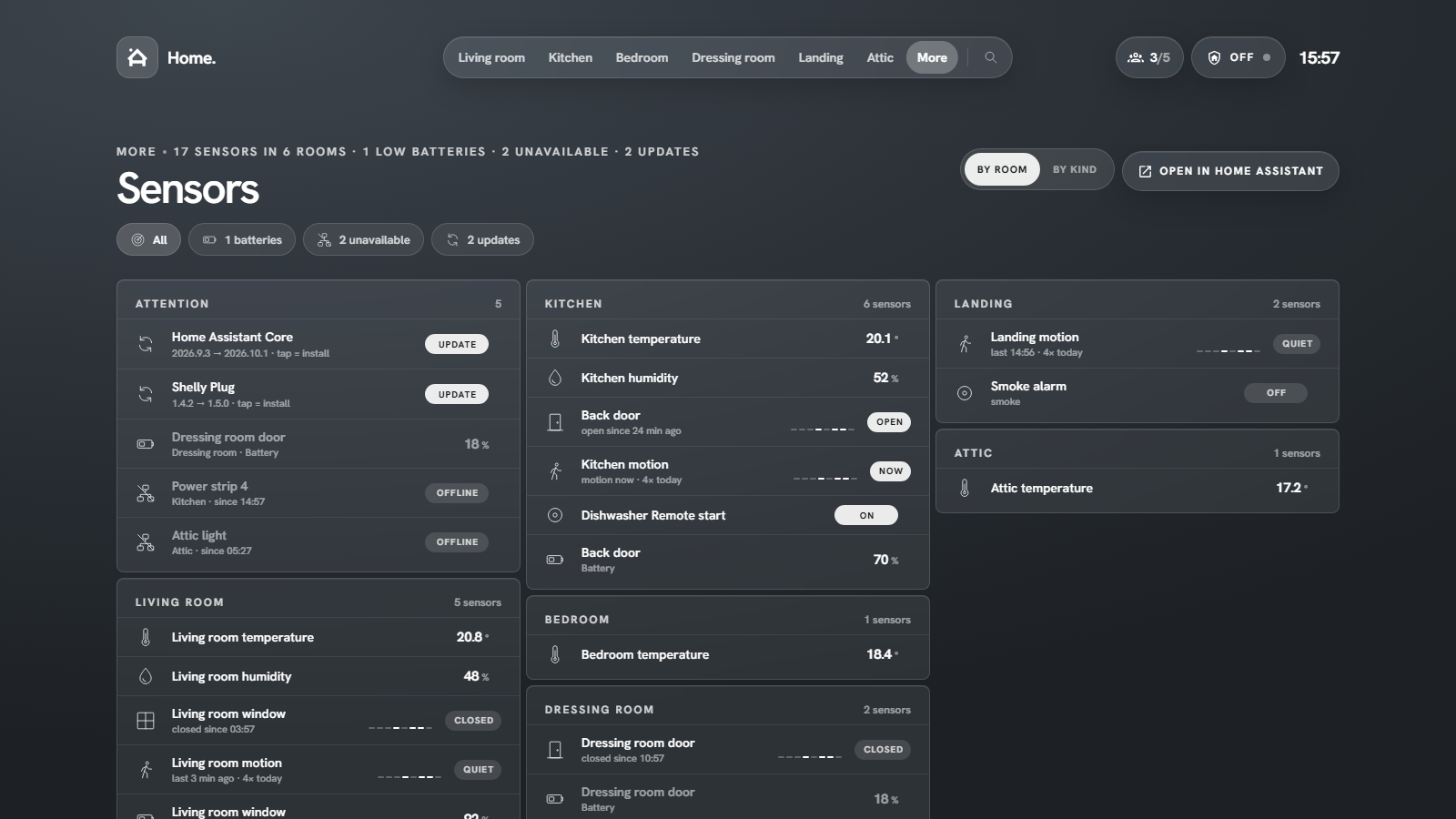
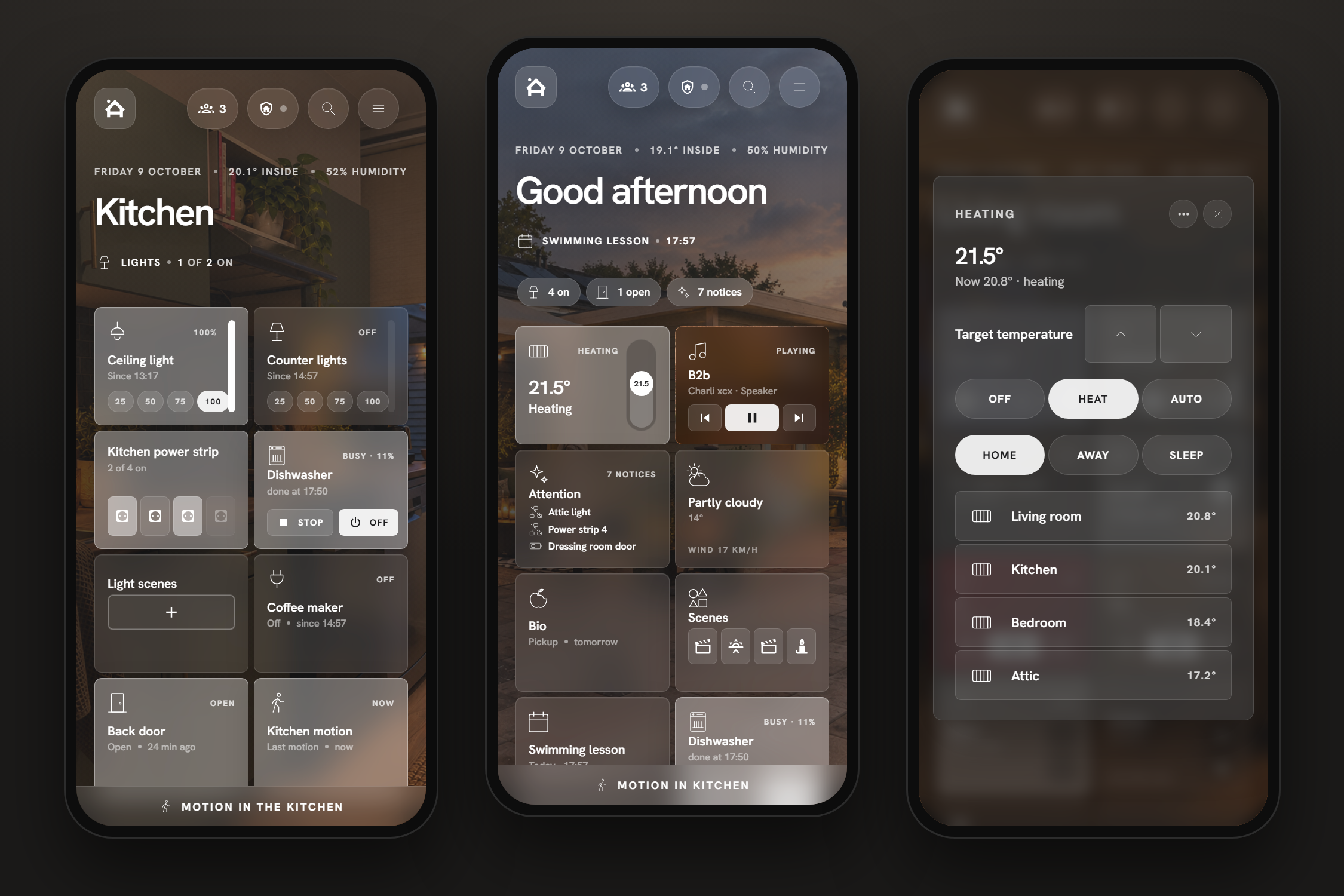
HaCasa Nova is a full-screen panel for Home Assistant. It turns your areas into rooms, each with its own photo and a strip of cards, and puts a calm home view in front of them: greeting, weather, what needs attention, and the things you use every day.
It is a single JavaScript file. There is no YAML dashboard to maintain and nothing else to install: no button-card, no card-mod, no layout-card. Add a device to an area in Home Assistant and it shows up in the right room by itself.
Why "Nova"?
The original HaCasa was a button-card dashboard that grew to almost 500 stars on GitHub before it was archived in 2025. Casa nova means "new house", and a nova is an old star that suddenly shines again. That is what this is: HaCasa, rebuilt from scratch on the beautiful Homio design by iamtherufus.
Highlights
Where next
- Installation: HACS, then a sidebar panel or a dashboard card.
- First run: the four-step setup.
- Best experience: start page, hidden sidebar, wall tablets.
- Cards: what every card does and how to change it.
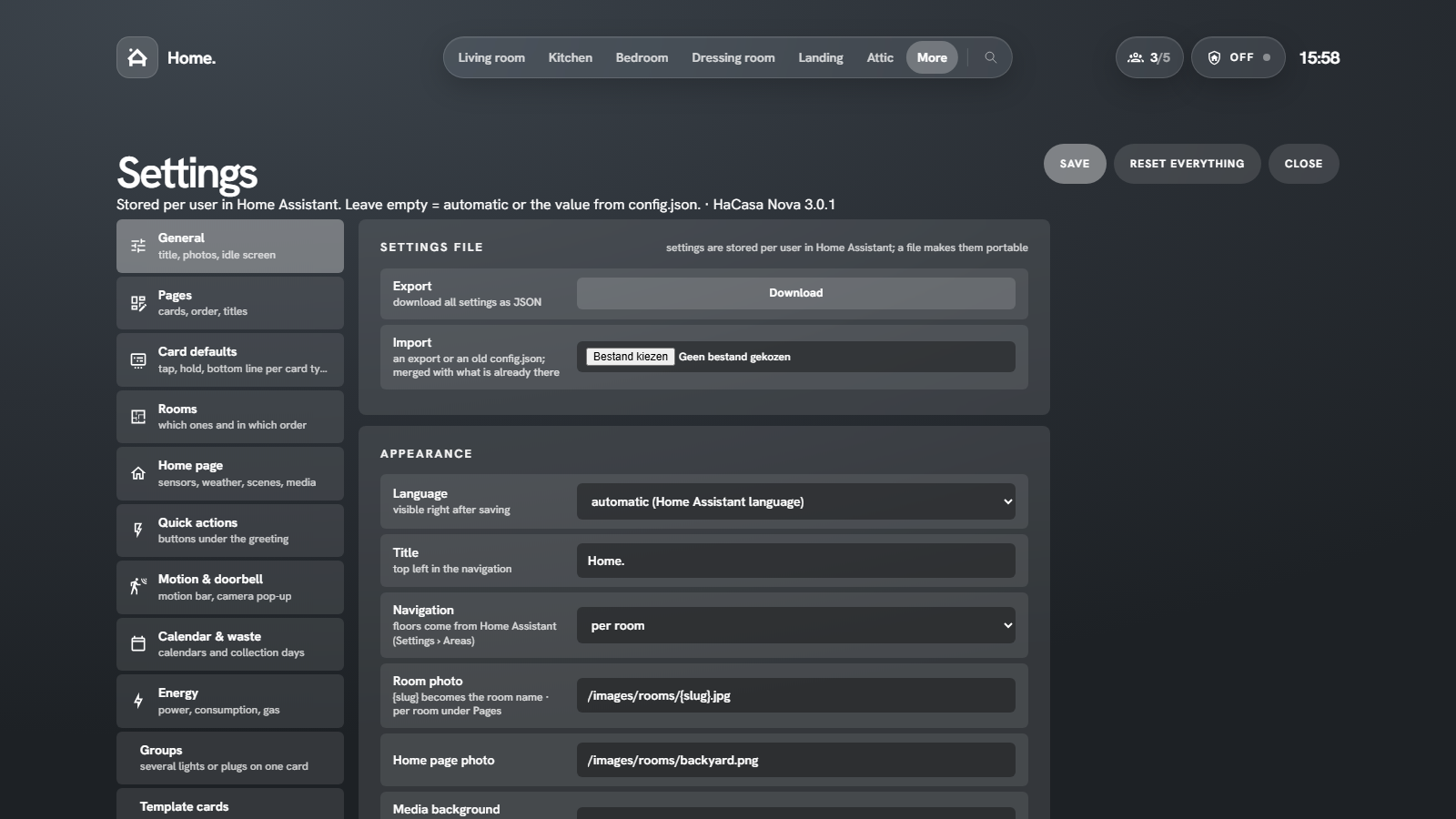
- Settings: a tour of the settings page.
- Discussions: questions, ideas, and show us your setup.
- Discord: chat with other users, get help quickly and test betas.