

Overview
Insights → Overview answers “where did my money go?” for any period you pick.
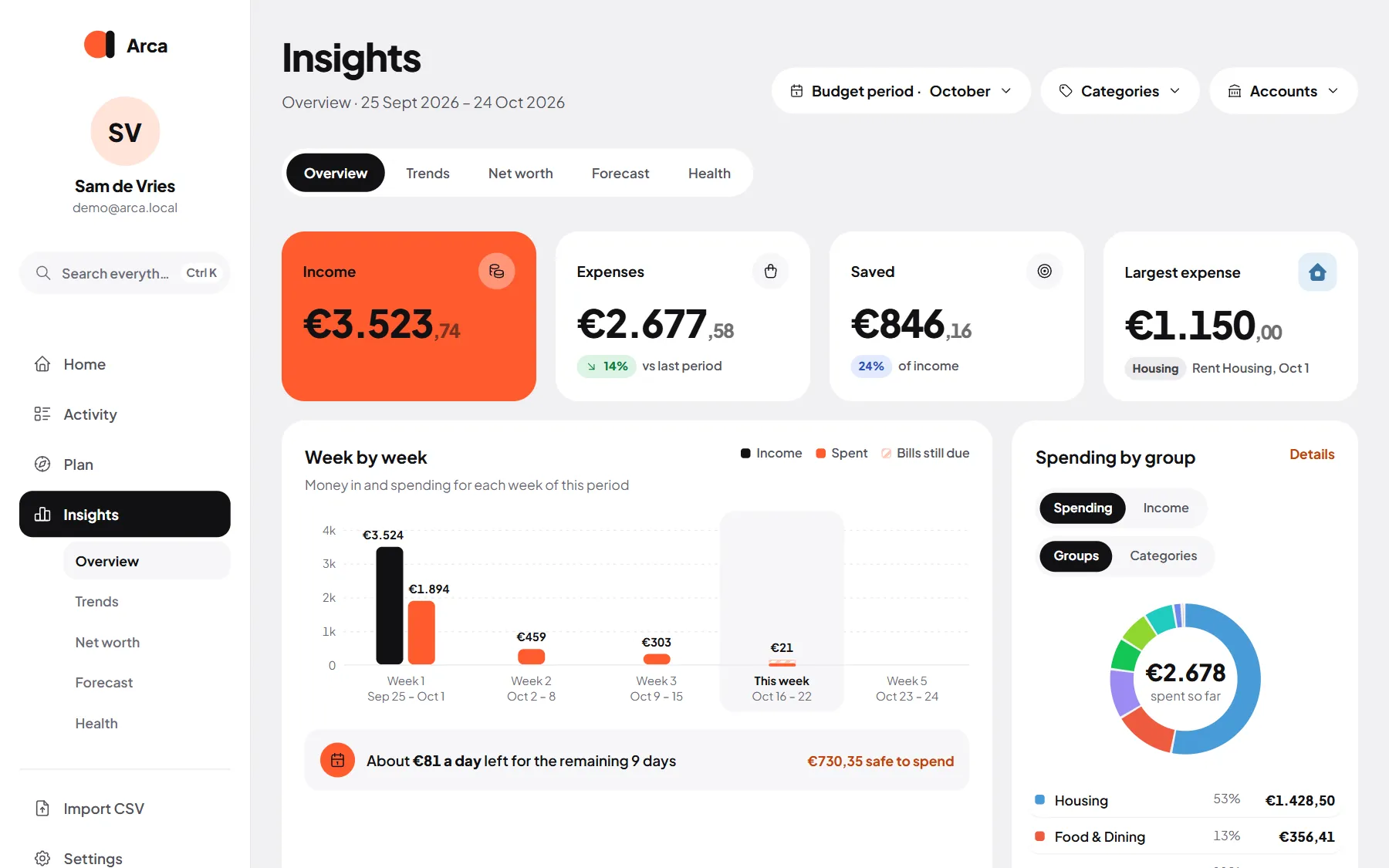
Insights has five tabs: Overview, Trends, Net worth, Forecast and Health.
Pick a period
Section titled “Pick a period”The Period menu at the top: Budget (your budget month, payday to payday), Week, Month, Last 3 months, Last 6 months, Year or Custom. You can also filter on Categories and Accounts. Overview opens on your current budget period.
The cards
Section titled “The cards”- Income, Expenses, Saved (with the share of income) and your Largest expense.
- A chart of money in and out, day by day, week by week or month by month, depending on how long the period is.
- Summary: the period in three facts and what’s left to spend per day (below).
- Spending by group or by category: switch between spending and income, and between groups (like everything for the house) and single categories. Money without a category shows as Other, with a link to sort it.
- Top merchants: where most of your money went, with the number of visits behind each total.
- By account: spending per account. Savings and transfers between your own accounts are left out.
- Calendar: a heatmap of your spending per day, with your average per day and your busiest day.
Summary
Section titled “Summary”The Summary card sums up the period in three facts and what’s left to spend per day, worked out from the numbers on the page.
If you’ve switched on AI, choose Write with Gemini and it writes those facts up in plain sentences with a budgeting tip. The numbers always come from Arca; the AI only writes the words.